> ## Documentation Index
> Fetch the complete documentation index at: https://docs.sinkove.com/llms.txt
> Use this file to discover all available pages before exploring further.
# Introduction
> Understanding and managing your models
## Overview
Sinkove models are advanced generative models that can be used to create synthetic medical images. Each model is customizable and designed for research, AI model training, and educational purposes.
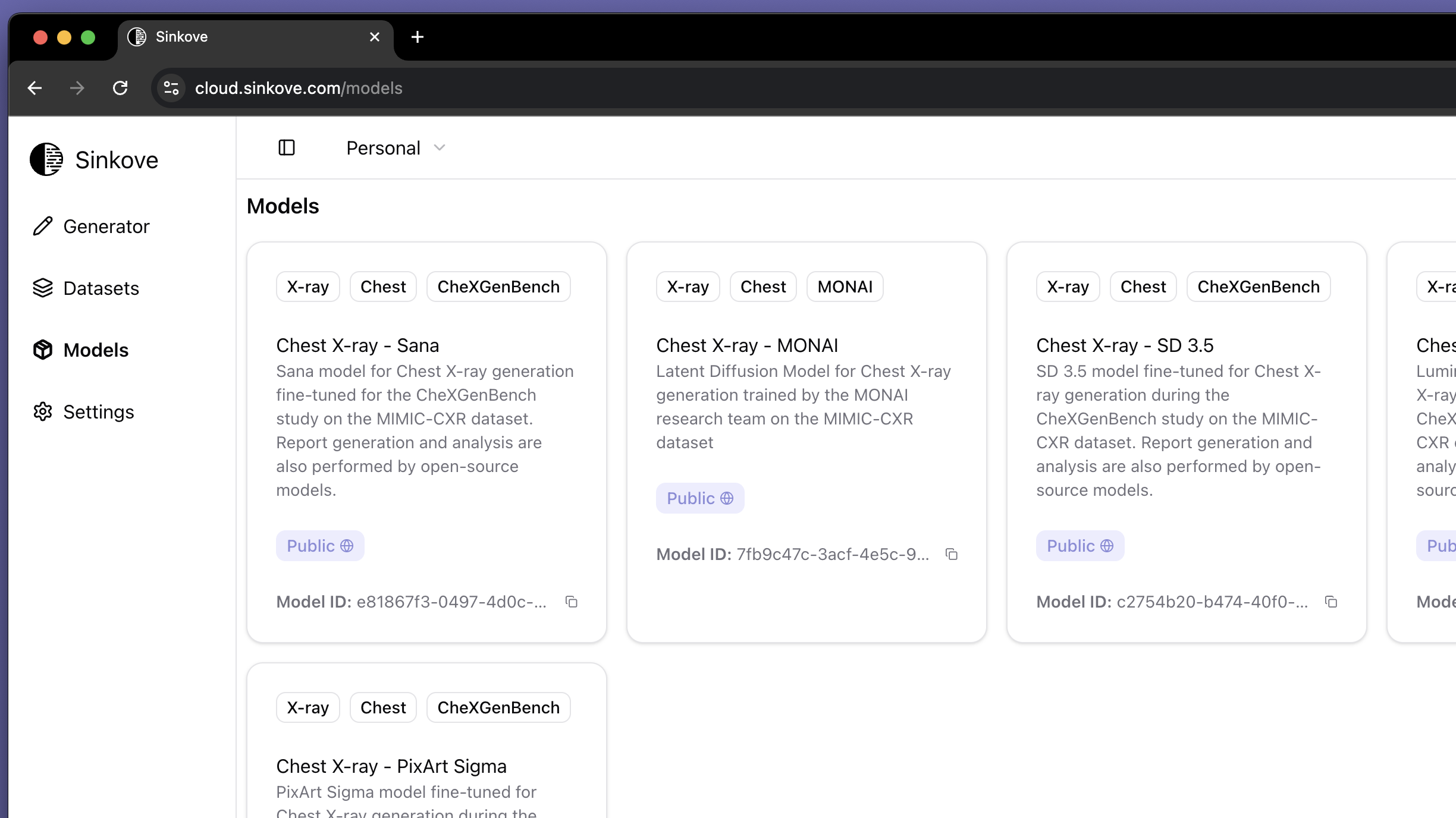
On the [models page](https://cloud.sinkove.com/models) in the web app, you can see all the models that are available to you. See image below:
 ## Interacting with models
Each model has a unique ID. You can use this ID to interact with the model via the python SDK.
## Model information
The web app shows you information about the model, such as the model card, description, and the number of images it has generated.
## Available models
Sinkove supports generation of synthetic medical imaging datasets with public and private models.
### Public models
Public models are available to all users. These are open-source models either created by Sinkove or by the community.
### Private models
Private models are available to you and your organization.
If you want to use Sinkove's private models or more importantly, create your own private models, you need to contact us at [contact@sinkove.com](mailto:contact@sinkove.com) to get access.
## Getting Support for your models
For model-related issues [contact support](mailto:contact@sinkove.com) for assistance.
Learn advanced dataset management with our SDK.
{" "}
## Interacting with models
Each model has a unique ID. You can use this ID to interact with the model via the python SDK.
## Model information
The web app shows you information about the model, such as the model card, description, and the number of images it has generated.
## Available models
Sinkove supports generation of synthetic medical imaging datasets with public and private models.
### Public models
Public models are available to all users. These are open-source models either created by Sinkove or by the community.
### Private models
Private models are available to you and your organization.
If you want to use Sinkove's private models or more importantly, create your own private models, you need to contact us at [contact@sinkove.com](mailto:contact@sinkove.com) to get access.
## Getting Support for your models
For model-related issues [contact support](mailto:contact@sinkove.com) for assistance.
Learn advanced dataset management with our SDK.
{" "}